
Method 1:
- Open the browser on your phone and go to READYWORKS.APP. Tap on the
 icon in the upper right hand corner to open the ReadyWorks Code Scanner.
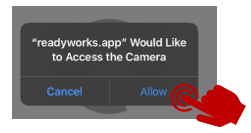
2. Tap [Allow] to allow location and camera.
3. Bring the QR Code into view and you will be taken to the check.
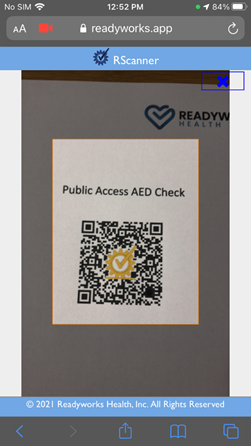
4. Fill in the required information and tap Submit.

Method 2:
- Open your phone’s camera and scan the QR Code.
- Tap on the link that pops up.
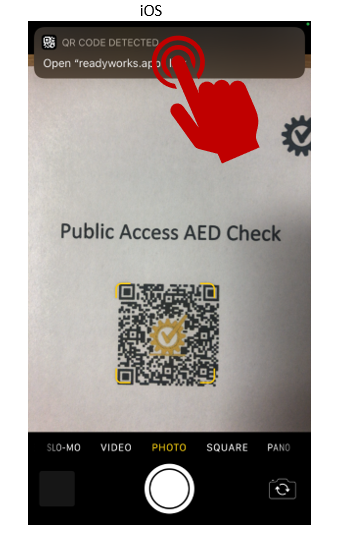
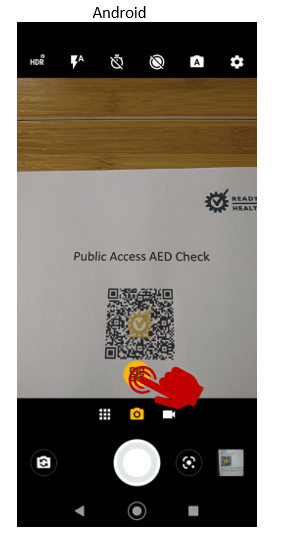
3. You will then be taken to the check.
4. Fill in the required information and tap submit.
For support please email:
support@readyworks.us
Comments
0 comments
Please sign in to leave a comment.